What Fortnite Full Is and the Problem It Solves
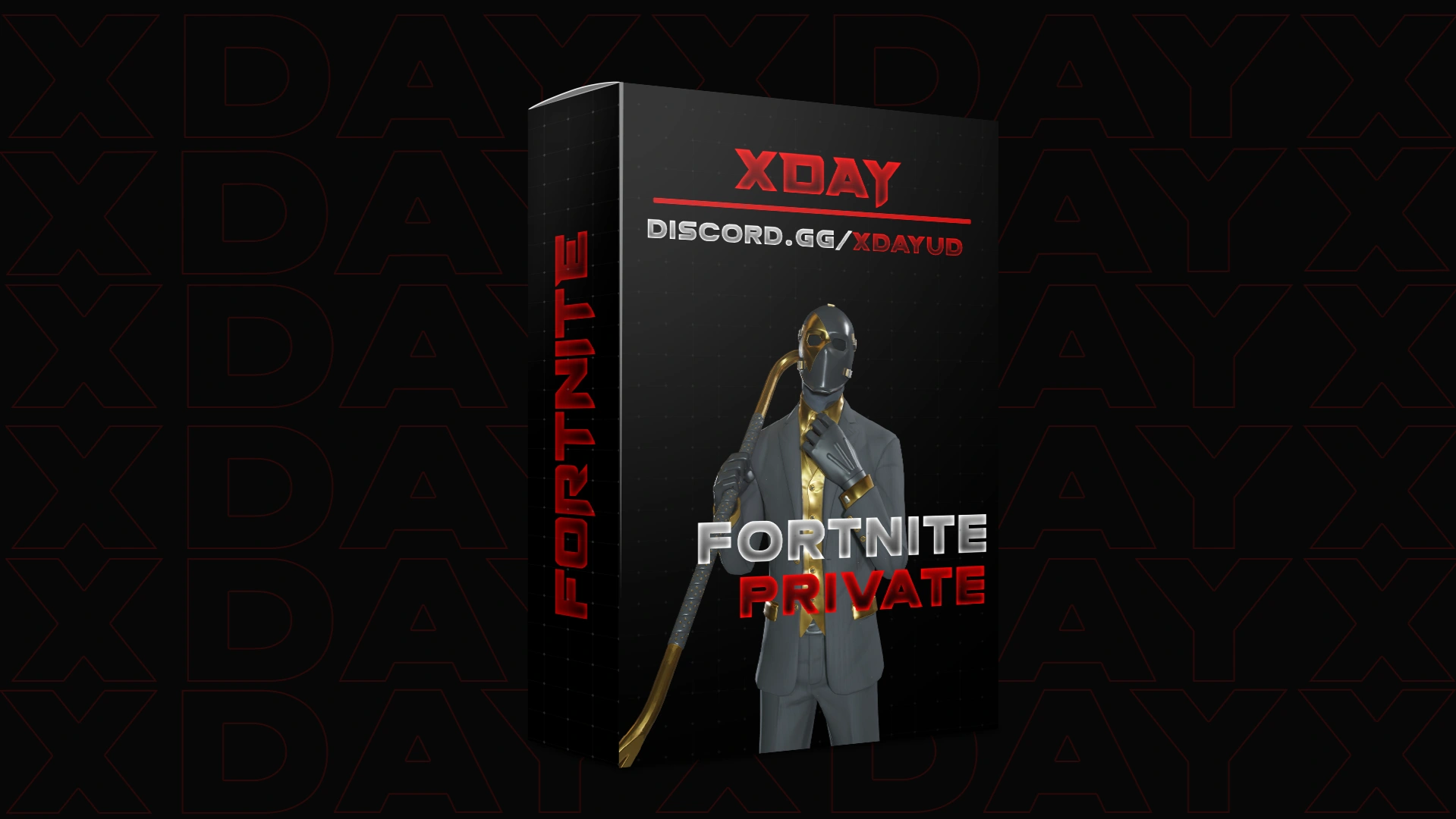
Fortnite Full is XDAY's external cheat suite for Fortnite on Windows PC. It bundles aim assistance, player ESP, a triggerbot, tactical radar, controller emulation, streamproof options and save/load configuration in a single package. Instead of juggling separate tools for aim and visuals, you get one suite aimed at covering the whole loop: spotting players, tracking them and landing shots.
The listing describes it as aimed at players who want an edge in fights without permanent rebinding or manual flick shots. If you are deciding between separate tools or a bundled suite, Fortnite Full is designed to be the all-in-one option. Its external architecture is the other key point: an external cheat runs outside the game process, which is a factor many buyers weigh when choosing software for their main PC.
Who Fortnite Full Is For, and Who It Is Not For
Fortnite Full suits a player who wants a complete kit: aimbot with mouse or controller emulation, player ESP, a triggerbot for known ranges, radar for map awareness and streamproof toggles for streaming setups. It also fits someone who prefers one consistent launcher and saved configurations over resetting settings each session. The save/load system matters if you run multiple Fortnite accounts or switch between aim styles.
It is not for you if you want a single narrow feature, but your budget fits a lighter colorbot, or if you only play on a platform other than Windows PC. It is also not for anyone unwilling to run an external tool against an active anti-cheat, because no Fortnite cheat carries a guarantee. Buy on an account you can afford to lose.
What Is Included and How Delivery Works
Fortnite Full is a license-based product. You choose your license on the Fortnite Full product page and pay by card or crypto through the sellpass checkout. The software is downloaded and run through a loader on Windows PC, and the license key is delivered electronically after purchase. Digital delivery means there is no waiting on physical shipping or account transfers.
Confirm the exact license lengths and how many machines a license covers on the product page before you buy. Those details are specified there and matter before checkout, not after.
Fortnite Full Key Features
Here is what the listing spells out for Fortnite Full:
| Feature | What It Does |
|---|---|
| Aimbot | Mouse and controller emulation with adjustable aim method and head or neck targeting options |
| Triggerbot | Fires automatically when your crosshair aligns with a valid target |
| ESP | Player visuals that reveal opponent positions around you |
| Tactical radar | Minimap-style awareness of where enemies sit |
| Controller emulation | Runs input through controller emulation for supported setups |
| Streamproof | Options designed to keep overlays from showing on stream captures |
| Save/load configs | Store presets and reload your settings between sessions |
The aimbot and triggerbot share one job: consistency. Adjustable aim method and target selection let you tune for your sensitivity, while the triggerbot removes the reaction delay on open shots. ESP and radar cover awareness, and streamproof answers the practical question of whether overlays leak out of OBS.
For the current status of the suite, check the product page. The listing reflects its status at the time you read it.
How to Set Up Fortnite Full, Step by Step
Before you start, make sure your Windows PC meets the stated requirements and that you remove conflicting software such as antivirus products that aggressively quarantine loaders. Exclusions are usually needed; add them only because you choose to, after reading why.
- Buy your license on the Fortnite Full product page and complete card or crypto checkout.
- Check your email or the sellpass delivery page for your license key and the loader download link.
- Download the loader to a folder you control and add an antivirus exclusion for that folder and the executable if prompted.
- Log into the loader with your license key and confirm it sees your Fortnite installation.
- Launch Fortnite, then open the menu with your chosen hotkey.
- Load a preset or set your aim method, target selection and ESP toggles.
- Enable streamproof before any recording or streaming, and test with a local capture first.
- Save your configuration so your settings survive the next session.
The Mistakes That Cause Most Support Tickets
Most issues trace back to a few avoidable choices. Skipping the antivirus exclusion is the single most common one, because loaders get quarantined the moment they run. Fix that by creating the exclusion before your first launch.
Targeting without rechecking your aim settings after a Fortnite update is another. Configs save, but a game patch can shift what reads as valid, so reload and confirm before ranked play. Last, ignore the disclaimers about accounts: using cheat software on your main, expensive account is how people lose it. Run Fortnite Full on a secondary account you can afford to lose.
Troubleshooting: Common Failure Points
If the loader fails to read your game, confirm Fortnite is fully closed, relaunch the loader as administrator, then start Fortnite. A loader that closes instantly is usually an antivirus quarantine, so verify the exclusion actually applies to the folder where the loader sits.
If aimbot input feels wrong, check whether the game currently expects controller or mouse input and match the emulation setting to it. For ESP not appearing, confirm the overlay toggle is on, then check streamproof is off during local testing, since some setups hide visuals from all sources while streamproof is active. When nothing resolves it, the refund policy is your reference point, not a support guess.
Fortnite Full FAQ
Is Fortnite Full externally or internally injected?
The listing describes it as an external cheat suite, meaning it runs outside the game process. That is a meaningful difference from internal tools and is part of why buyers pick it for their daily machine.
Does Fortnite Full include a spoofer?
The product page lists aimbot, ESP, triggerbot, radar, controller emulation, streamproof and config saving. A separate HWID spoofer is a different product in the catalog, so confirm on the product page whether one is bundled with your license.
Can I stream with Fortnite Full?
It includes streamproof options designed to keep overlays off captures. This is not a guarantee of invisibility, so test locally before an actual stream.
How do I pay?
XDAY checkout accepts card and crypto. Your license key and loader download are delivered electronically.
What happens if I get banned?
Using this software violates Fortnite's terms of service and can result in a permanent account ban, and in some cases hardware or account-family bans. You use it at your own risk on an account you can afford to lose. Read the refund policy on the product page before purchasing, because it is the policy that governs detection and ban events.
Risks You Should Read Before Buying
Fortnite Full violates Epic's terms of service. It can result in a permanent ban of your game account, and in some titles a hardware or account-family ban. You use it entirely at your own risk, and you should run it on a secondary account you can afford to lose.
We do not claim undetectability, and no honest seller will. Detection status is a snapshot that changes with every game patch and anti-cheat update. The listing's live status is the only current answer, and help from the store follows the published refund policy. Read the Fortnite Full product page and its refund terms before you check out, because those are the terms that apply if something goes wrong.
Buy Your Fortnite Full License
If the feature set matches how you play, Fortnite Full is a complete suite in one loader. Head to the Fortnite Full product page, pick your license, and pay by card or crypto to have your key delivered. Set the aim and visuals to your taste, save the preset, and keep an eye on the product page for status updates.